
INSTALLATION GUIDE
Install the Sales-Plant-Trees Leaderboard
Takes less than two minutes. No additional account required. No credit card needed.
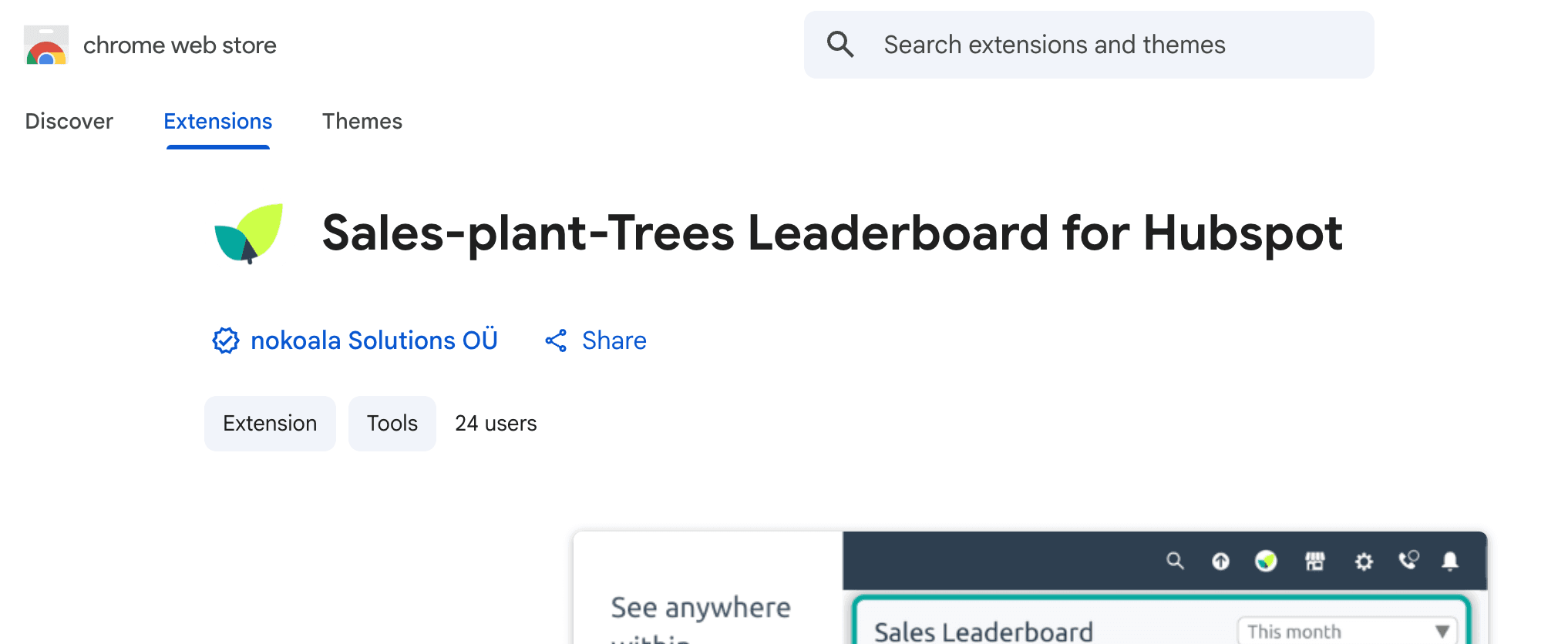
Install the Chrome* Extension
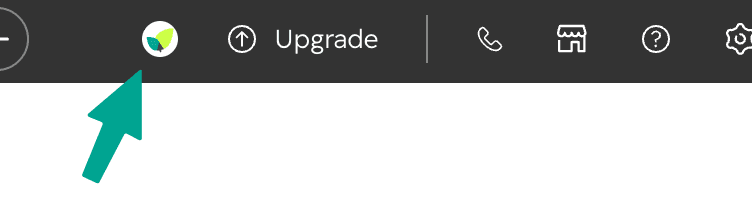
Then find the Leaderboard right within your HubSpot navigation bar.
* Works not only with Google Chrome but also with other Chromium-based browsers like Arc, Microsoft Edge, Brave, and Opera.
In the HubSpot navigation bar click on the icon
Choose your HubSpot account and enjoy your new Sales-plant-Trees Leaderboard!
That's it!
Your Sales-Plant-Trees Leaderboard is now available from your HubSpot navigation bar.
Using another browser?
The Chrome Extension provides the best experience, but it's not required. You can still use the Sales-Plant-Trees Leaderboard in any browser.
The Leaderboard remains available as a CRM card inside every HubSpot deal.
You can also access it directly at app.greenclicks.co (we recommend bookmarking it).